 HayScan
Still typing your products one by one?
HayScan reads your Hay Day screenshots, counts your products and gives you the sale list and a clean sale image in seconds.
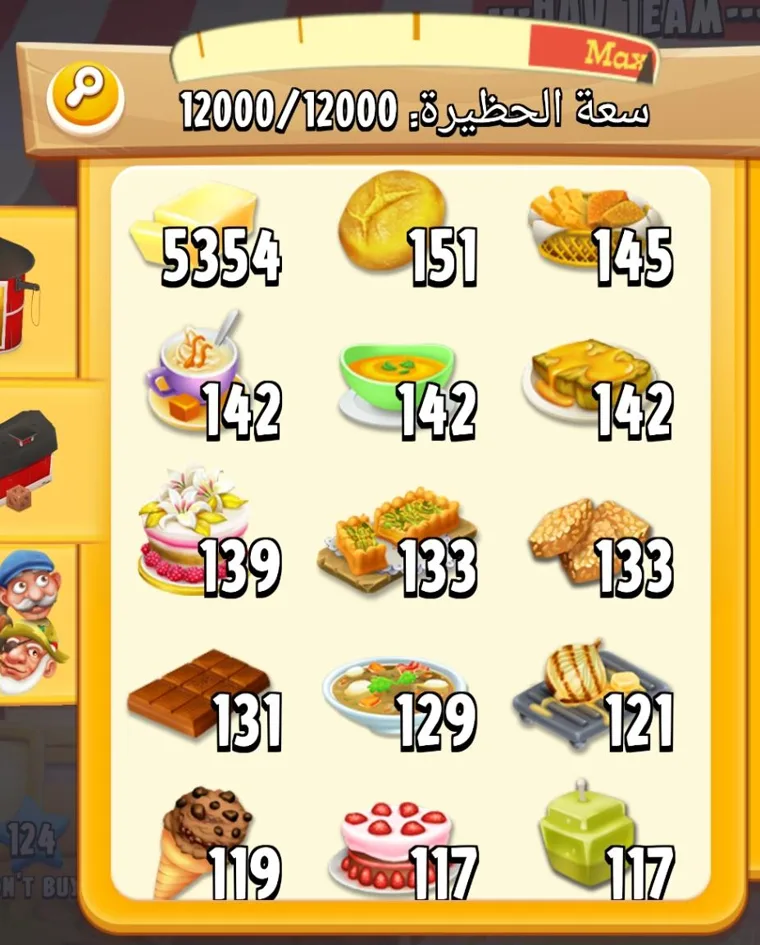
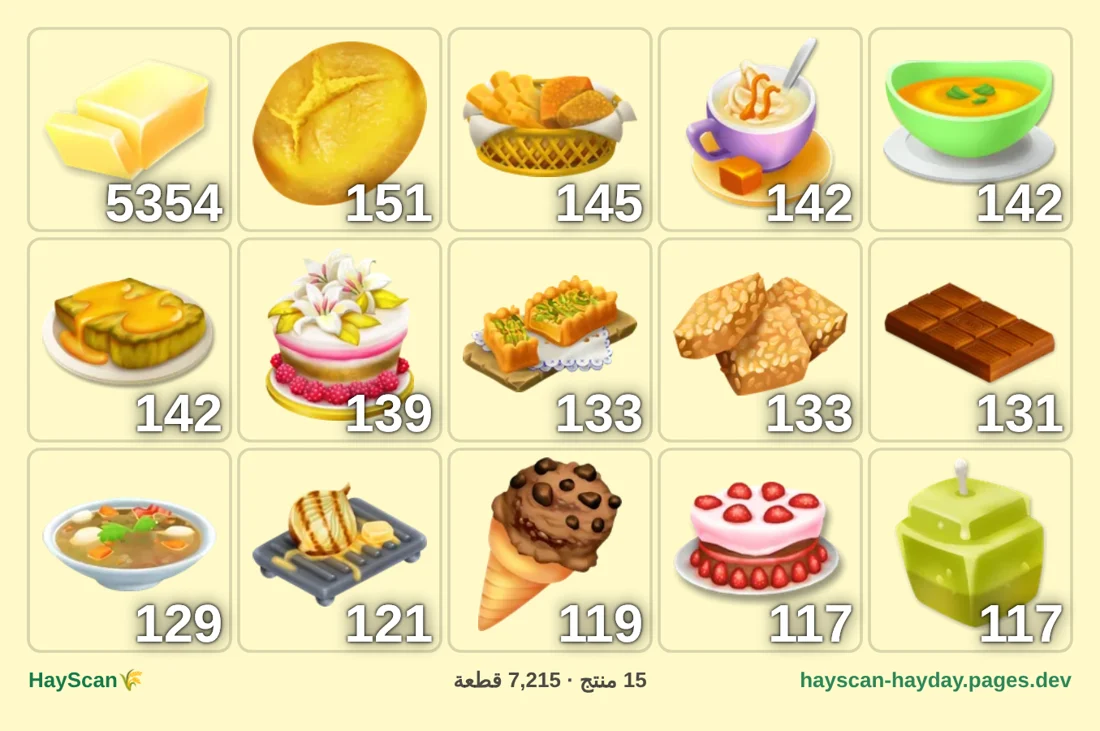
Selling takes longer than playing
Wasted time
You open every screenshot and type every product and number, and do it all again for each sale.
Wrong numbers
One wrong number means an unhappy buyer or a loss for you.
Posts nobody reads
A pile of screenshots in the group. Buyers want a clear list with prices.
HayScan does all of this for you.
Read Hay Day screenshots in three steps
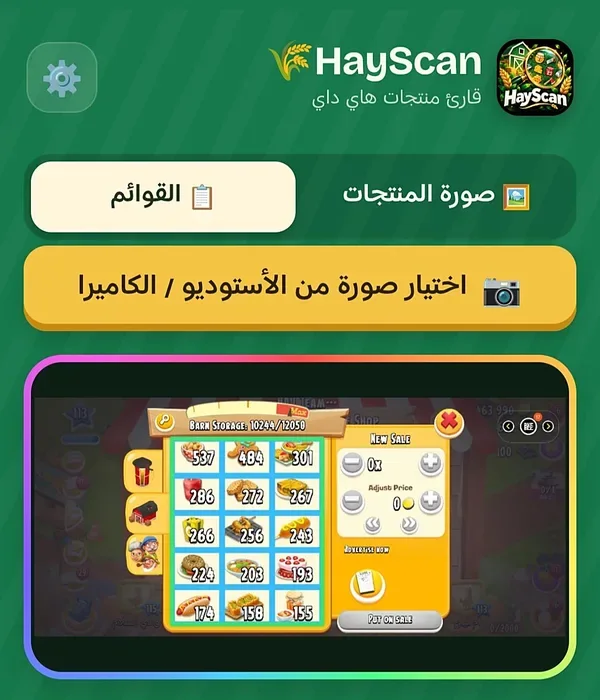
Add your screenshots
Sell panel, barn or silo.
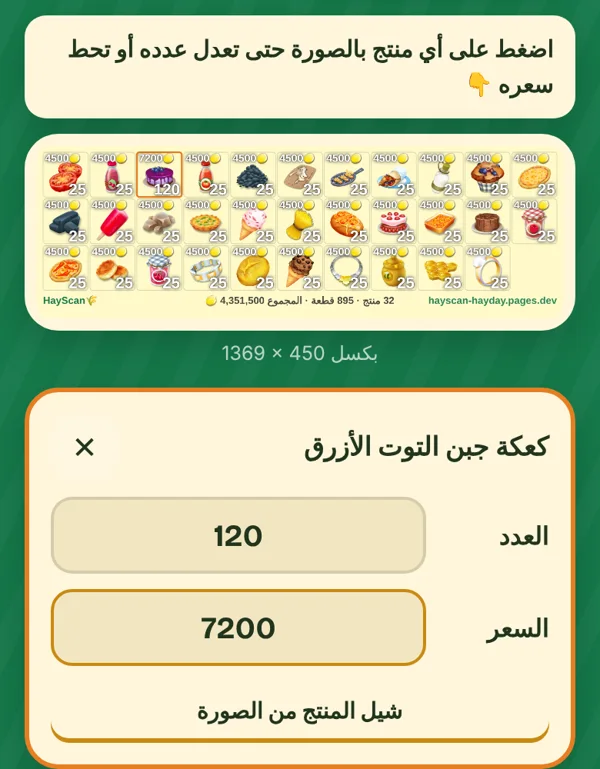
Check and adjust
Tap any product to change its quantity or price.
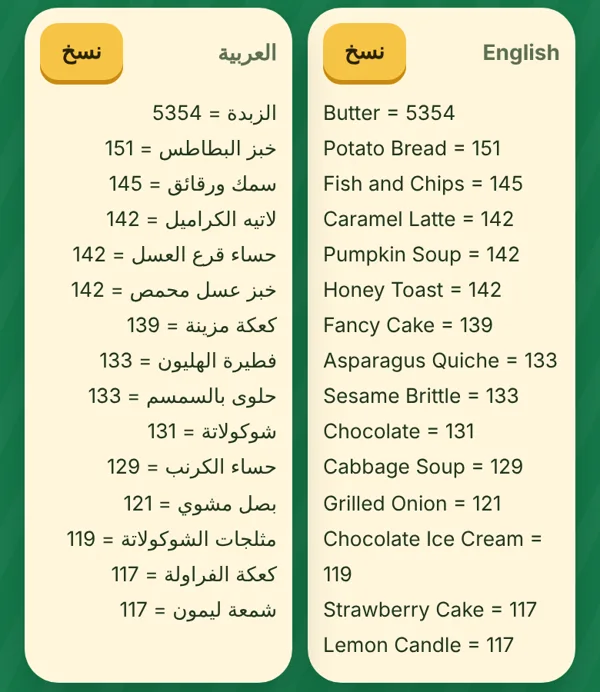
Copy and share
One tap copies the list for the group, or save the image.
Everything you need to sell in Hay Day faster
Fast
Every screenshot is done in seconds, even when you add dozens.
Split by farm
More than one farm? It reads each farm's level and splits the list and the image per farm.
Pick products
Every product in the game by level. Select what you want and the image is made, no screenshot needed.
From a written list
Type the names, even with typos, and it finds the right product.
Your image, your style
5 image colours, with the columns and number size as you like.
Automatic total
One price for all or one per product; the total adds itself up.
All of this for a small price
Try it free for a whole day before you pay.
- Message us with the button below.
- We send you the app and your activation code.
- Install it, enter the code and start.
Includes every new update.
Before you start
What if it reads a number or a product wrong?
Tap it and fix it; the list and the image follow your change.
Does it touch my game account? Can I get banned?
No. It never connects to the game and never asks for your account; it only reads the screenshots you give it.
On how many phones does the subscription work?
One phone. Changing phones? Sign out in the settings and enter the same code on the new one.
What happens when the month ends?
The app asks for a new code. Message us and you renew the same way.